






.webp)
.svg)
NSA PHP Warning: What WordPress Site Owners Need to Do Today

Updated October 21, 2026. This story is developing, and we’ll revise this post as new guidance comes out.
The short answer: On October 21, 2026, the NSA told every organization that uses PHP to prepare for an urgent update to two critical security flaws. WordPress runs on PHP, so your site is likely affected. Patching solves today’s problem. Moving to Webflow removes the underlying one, and you can keep the look and feel of your current site while you do it.
Key Takeaways
- PHP is the programming language that most WordPress sites run on.
- Two critical flaws were found. Attackers can use them to take over a server without a password.
- Step one is patching. Fixes are available, but your host or web team has to install them.
- Step two is the long-term fix. Webflow is a managed platform that isn’t built on PHP and has no plugin stack for you to patch.
- You don’t have to start over. We can rebuild your current design in Webflow and carry over your content, URLs, and SEO.
What Happened, in Plain English
The NSA’s cybersecurity directorate warned organizations to prepare for an update “effective immediately.” It said these flaws often give attackers a direct path to a server’s files or database.
CERT-EU, the cybersecurity service for European Union institutions, published the technical detail. According to PPC Land’s report on the advisory, both flaws score 9.2 out of 10 in severity. Both can let an attacker run code on a server without logging in, and a single request can trigger the attack before your website’s own code even runs.
The fixed PHP versions are 8.5.12, 8.4.27, 8.3.36, and 8.2.35. PHP 8.1 and older no longer get regular updates from the PHP project.
Public exploit code has started to circulate. As of publication, CISA said it had not observed exploitation of these flaws, though some news reports say attacks have begun.
Is My WordPress Site Affected?
If your site runs on an unpatched version of PHP, yes. WordPress sits on top of PHP, so a flaw in PHP sits below your pages, plugins, contact forms, and checkout.
Step 1: Patch Today
Here’s what to do today:
- Find out where your site is hosted and who manages PHP. On shared or managed hosting, you usually can’t update PHP yourself.
- Ask for your current PHP version. Confirm it’s 8.5.12, 8.4.27, 8.3.36, 8.2.35, or a vendor-backported fix. Treat PHP 8.1 or older as urgent.
- Watch for warning signs. Look for unexpected redirects, new admin accounts, strange files, and sudden traffic changes.
- If your host can’t patch quickly, ask about isolating the site until it can. That is the NSA and CERT-EU’s fallback guidance.
Copy and send to your host or web team: “The NSA and CERT-EU issued an urgent PHP security warning today. Can you confirm which PHP version our website runs, whether it has been updated to a patched release (8.5.12, 8.4.27, 8.3.36, 8.2.35, or a vendor backport), and when that update will be done? If it can’t be done today, how will you protect the site until it is?”
Why WordPress Sites Keep Falling Behind
This isn’t a one-time scare. A WordPress site is a stack of parts: the PHP runtime, the server, WordPress itself, a theme, and often a dozen or more plugins. Each part needs updates, and each update has to land on time. When one layer falls behind, the whole site inherits the risk.
That’s a lot to ask of a busy practice or brand. In September, hosting company 20i reported that 88% of WordPress sites were running outdated software. Most owners aren’t careless. They assume someone else is handling the server.
Step 2: Fix the Root Cause by Moving to Webflow
Patching puts out today’s fire. A managed platform like Webflow changes who carries the maintenance, so the next PHP warning isn’t your problem. Your site isn’t built on PHP, and there’s no server or plugin stack for you to keep current.
Keep the Look and Feel of Your Current Site
Moving platforms doesn’t mean a redesign. Our team can rebuild your existing design in Webflow, with the same layout, colors, fonts, and brand, then carry over your pages, blog posts, and images. We map your old URLs to the new ones with 301 redirects and bring over your page titles and meta descriptions, so search engines can follow the move. No one can guarantee rankings, but a careful migration protects the visibility you’ve built. And if you want to improve something along the way, you can.
What You Gain With Webflow
- Managed, secure hosting. Webflow handles hosting and platform security updates, so there’s no server or PHP version for you to patch.
- Free SSL/TLS. Included on every Webflow Site plan, so your site is served over a secure connection.
- Global CDN with DDoS and bot protection. Built into Webflow’s hosting network, which also helps pages load quickly.
- Compliance. Webflow states that it is SOC 2 Type II, GDPR, and CCPA compliant.
- Automatic backups and versioning. Preview and restore earlier versions of your site if something goes wrong.
- No plugin stack. Forms, SEO controls, and the CMS are built in, which removes a major source of security gaps and update conflicts.
- Built-in form spam filtering. Contact and new-patient forms get protection without an extra plugin.
- A visual Designer. Make layout and design changes visually, without touching code.
- A built-in CMS. Edit pages, blog posts, and service pages in a simple editor.
- Built-in SEO controls. Manage page titles, meta descriptions, and redirects right in the platform.
You can read more about Webflow’s managed hosting and security practices on its own site.
What a Migration Looks Like
- Audit. We review your pages, content, URLs, forms, and the plugins your site relies on.
- Rebuild. We recreate your current design in Webflow and move your content over.
- Protect your SEO. We carry over titles and meta descriptions and map every old URL to its new home with 301 redirects.
- Test and launch. We check the new site page by page and go live once everything matches.
Who This Helps Most
For dental practice websites, the same server often handles new-patient forms, appointment requests, and contact details, and a compromised site can hurt your local search visibility. For multi-location and franchise brands, one platform replaces twenty separately maintained sites, so there’s one place to update and one standard to hold.
What Webflow Doesn’t Change
Webflow isn’t a magic shield. You still need to manage third-party scripts, forms, and who has access to your account, and no platform is immune to every threat. But the category of risk changes. A runtime flaw like this one becomes the platform’s problem to fix instead of yours.
Our team handles managed website design and development for practices and brands that want fewer moving parts.
Frequently Asked Questions
What is PHP, and why does it matter for my website?
PHP is a programming language that runs on a website’s server. WordPress is built on it, so a serious flaw in PHP affects the foundation of your site.
Do I need to take my website offline?
The NSA recommends it only if you can’t update right away. Ask your host about patching first. If they can’t do it quickly, isolating or pausing the site is the fallback.
Does a security plugin protect me from this?
Not fully. CERT-EU says the attack can run before any website code loads, so plugin-level protection may not stop it. Only updating PHP fully fixes it.
Are Webflow sites affected by these PHP flaws?
Webflow sites aren’t built on PHP, so these particular flaws don’t apply to the platform. Third-party tools and scripts on any site still deserve attention.
Will my site look different if I move to Webflow?
Not unless you want it to. We rebuild your current design in Webflow, so your layout, colors, fonts, and brand carry over.
Will I lose my Google rankings if I switch?
A careful migration protects them. We map old URLs to new ones with 301 redirects and bring over your titles and meta descriptions. No one can guarantee rankings, but this is how you protect them.
Is Webflow secure?
Webflow handles hosting and platform security, with free SSL/TLS, global CDN and DDoS protection, automatic backups, and SOC 2 Type II compliance, according to Webflow. You still manage your own scripts, forms, and account access.
Ready to Move Without Starting Over?
If you’re not certain what your site runs on or who patches it, start with our Instant SEO Scan. When you’re ready to talk about a Webflow migration that keeps your look, your content, and your search visibility, talk to our team about your website.
Recommended for You
Lead Generation Website Design for AI Visitors Who Arrive Ready to Act
AI-referred visitors arrive ready to act. See how smart lead generation website design turns that intent into calls, form fills, and booked appointments.
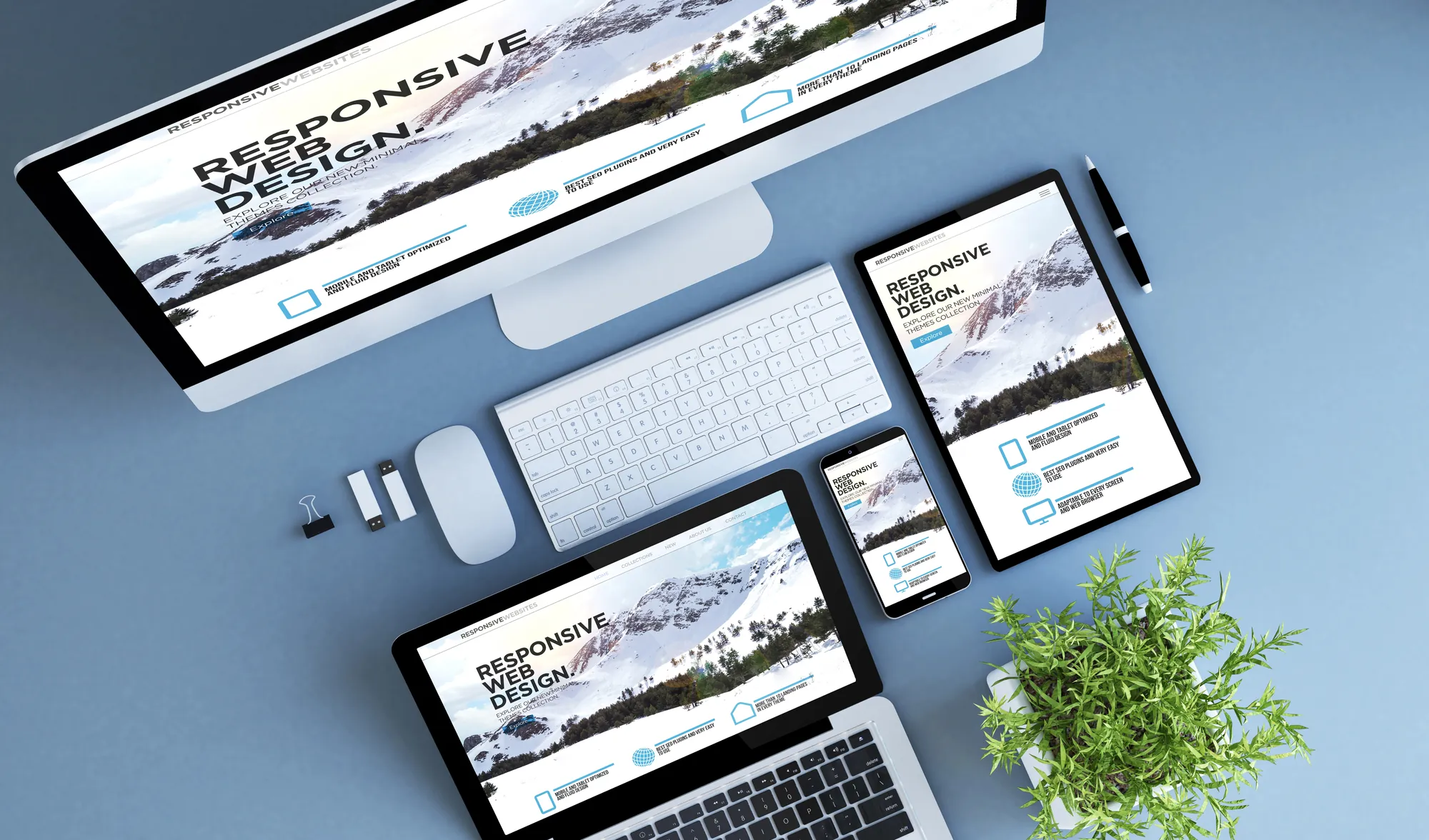
Why Responsive Web Design Still Matters in an AI-Browsing World
AI browsing tools are changing search, but responsive web design still determines whether your site converts. Here's why it matters more than ever.

What Should a Home Service Website Cost in 2026? A Look at Must-Have Features
Wondering what a home service website should cost in 2026? Learn which features actually drive leads and why conversion-focused web design pays off long-term.

What a Decade of Subway Ads Can Teach You About Building an Unmistakable Brand
What a decade of StreetEasy's iconic subway ads can teach your business about consistent branding, custom website design, and building a memorable brand.

Make every move a power play.
Stay informed with the latest marketing insights and winning strategies.