







.webp)
.svg)
Lead Generation Website Design for AI Visitors Who Arrive Ready to Act
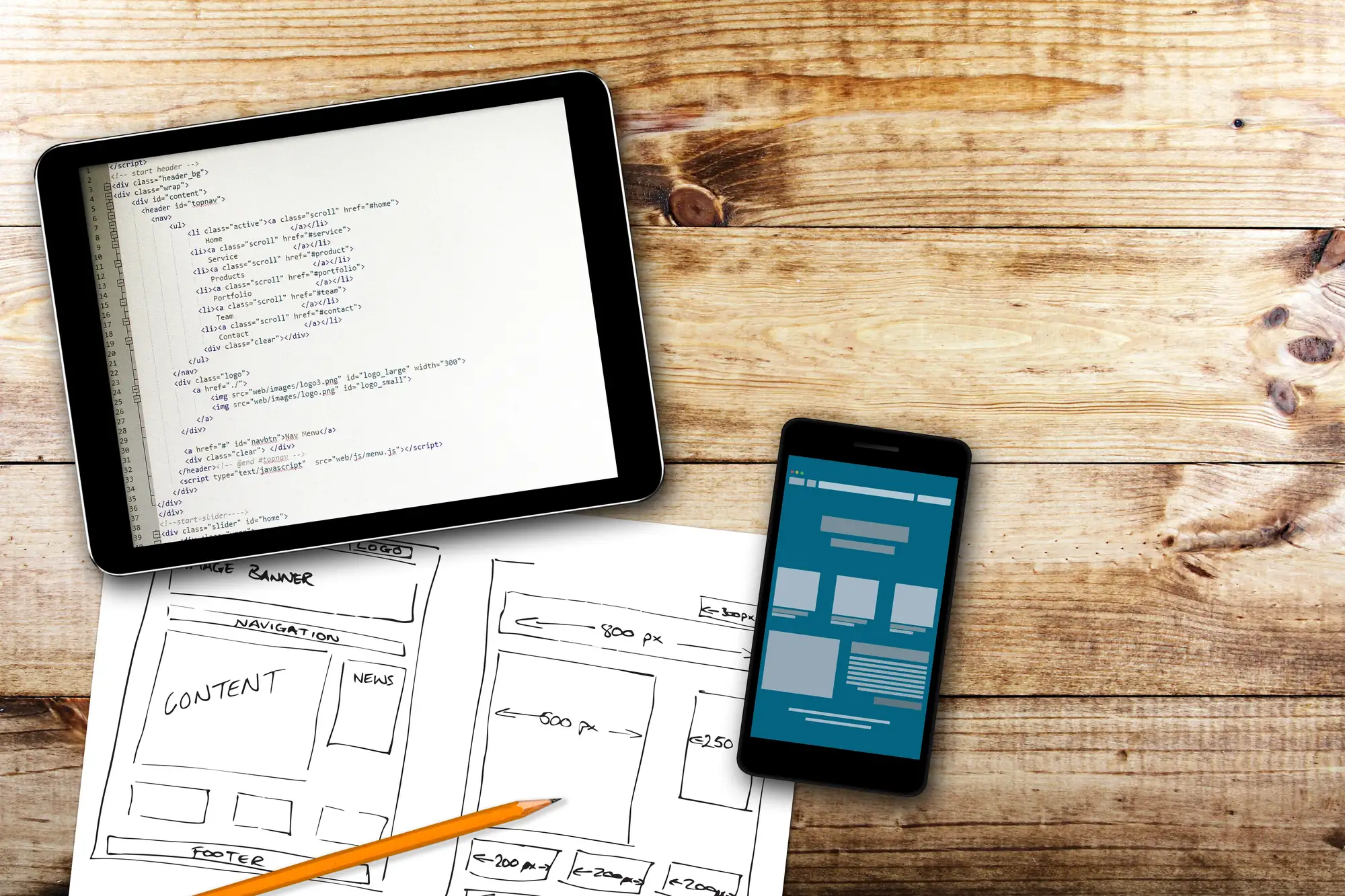
Someone asks ChatGPT for the best HVAC company nearby, reads a quick rundown of three options, and clicks through to your site. They aren't browsing anymore. They've already compared, narrowed, and decided you're worth a closer look, which means lead generation website design carries more weight than ever: the visitor is ready to act, and your site either makes that easy or sends them back to the list.
AI-referred traffic may still be a small share of your total visits. Still, it's growing quickly, and it behaves very differently from traffic off a traditional results page. The businesses winning those visitors aren't necessarily the ones with the flashiest homepage. They're the ones whose custom website design turns a recommendation into a phone call, form fill, or booked appointment within minutes.
Why AI-Referred Visitors Arrive Ready to Act
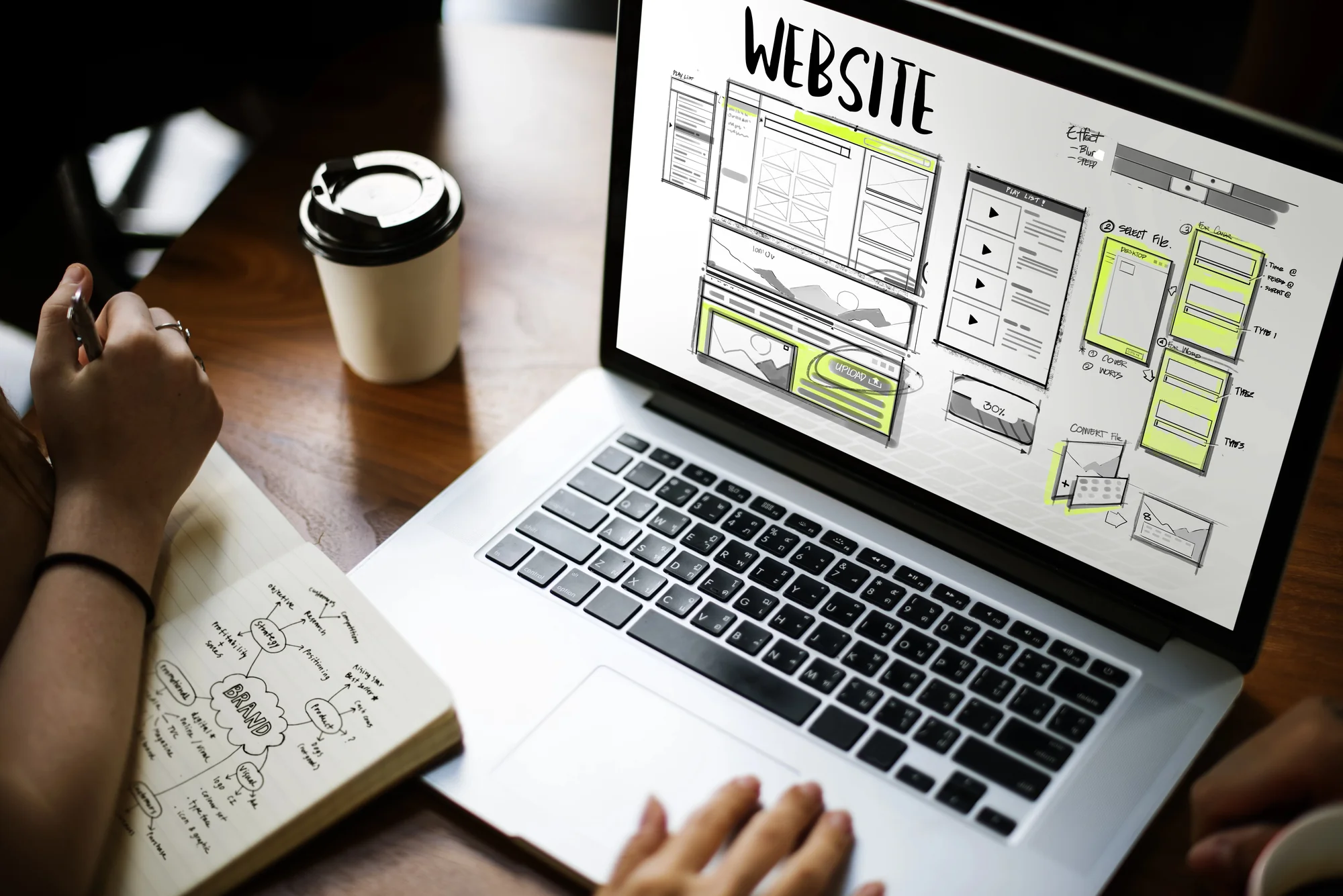
The Research Happens Before the Click
Traditional search sends people to a page of blue links, and they do their homework on your website. They read, compare, open new tabs, and bounce between competitors. AI assistants compress that entire process into a single conversation.
By the time someone clicks a link inside ChatGPT, Perplexity, Gemini, or Google's AI Mode, the assistant has often already covered the basics: price ranges, service options, and what to look for in a provider. That shifts the job your website has to do. It no longer needs to educate a cold visitor from scratch. It needs to confirm what the AI said, close the trust gap, and hand the visitor a clear next step.
The Data Shows a Real Shift
The conversion numbers have caught up with the theory. According to Adobe's AI Traffic Trends Report, AI-referred visitors to U.S. retail sites converted at a 60% higher rate than non-AI traffic in July 2026 and generated 53% more revenue per visit. In early 2025, that same traffic lagged behind other sources.
Google has noticed a similar pattern on its own platform. Its guidance on AI features in Search notes that clicks from results pages with AI Overviews tend to be higher quality, with visitors more likely to spend more time on the site. Adobe's figures come from retail, so a dental office or law firm won't see identical numbers. The underlying behavior still carries over, though: people who arrive pre-qualified take the next step when the site makes it easy.
Where Most Websites Lose Ready-to-Act Visitors
A high-intent visitor is valuable, but they're also impatient. They came for confirmation and a way to act, so any friction feels bigger than it would to someone casually browsing. A few common problems quietly drain that intent before it ever becomes a lead.
The Landing Page Doesn't Match the Recommendation
AI tools often link to whichever page best answers the question, and that isn't always your homepage. If someone asks about emergency water heater repair and lands on a generic services page that never mentions water heaters, they have to dig for confirmation. Many won't bother.
Every service you want AI-referred leads for deserves its own dedicated page. That page should speak directly to the need, in the same plain language a customer would use when asking an AI assistant about it.
The Next Step Is Hard to Find
A phone number tucked into the footer or a lone "Contact" link in the navigation forces ready visitors to hunt for it. The same goes for pages that open with three paragraphs of company history before mentioning how to book.
That content may have value, but it buries the action under information the AI already covered. When the visitor's first question is "How do I get started?" the answer should be visible without scrolling.
The Site Is Slow or Frustrating on Mobile
Speed problems cost leads at every stage, and they sting more when the visitor was already prepared to convert. In a Core Web Vitals case study on web.dev, Rakuten 24 A/B tested a performance-optimized landing page against the original and saw a 33% lift in conversion rate.
Visitors can just as easily arrive from an AI app on their phone as from a desktop browser. That's why responsive web design still determines whether a recommendation turns into a lead. Tap targets, readable text, and forms that work with a thumb all matter at that moment.

What a Capture-Ready Website Looks Like Now
The fix doesn't always require a full rebuild. It comes down to a set of deliberate choices that put the next step in front of the visitor at the exact moment they're ready for it. Strong lead generation website design brings those choices together across content, layout, and follow-up.
Service Pages That Confirm What AI Already Said
Service pages carry more weight than they used to. They're often what an AI tool cites, and they're often where the referred visitor lands. Each one should clearly explain what the service is, who it's for, where it's available, and what happens after someone reaches out. Specifics such as service areas, credentials, reviews, and process steps reinforce the recommendation instead of contradicting it.
Earning that citation in the first place is its own discipline. Artificial intelligence optimization focuses on making your content easy for AI systems to find, understand, and reference. The good news is that the same clarity that helps AI tools also helps the humans they send your way.
Calls to Action Visitors Can't Miss
Design every key page so the visitor never has to wonder how to move forward. In practice, that usually means:
- A primary call to action above the fold on both desktop and mobile
- A tap-to-call phone number that stays accessible as visitors scroll
- Action-specific button text, like "Book a Consultation" or "Get a Free Estimate," instead of a generic "Submit"
- A repeated call to action after each major section, so nobody has to scroll back up
- Trust signals, like reviews or certifications, placed right next to the button
None of these elements is complicated on its own. Together, they remove the small moments of hesitation that send ready visitors back to the AI assistant to check the next option on the list.
Forms That Respect the Visitor's Time
A ready-to-act visitor will happily fill out a form, but not an interrogation. Nielsen Norman Group's form usability research points to the same principles again and again: cut unnecessary fields, keep labels clear, and make errors easy to fix.
Ask for what your team needs to follow up, which is usually a name, a phone number or email, and the service they're interested in. Gather the rest during the first conversation, when the lead is already engaged and invested in moving forward.
Coverage After Business Hours
AI assistants don't keep office hours, and neither do the people using them. Someone might get a recommendation at 10 p.m. and land on your site ready to book. If the only option is a form that won't get a response until morning, that visitor may keep shopping.
AI live chat can answer common questions, capture contact details, and keep that visitor engaged until your team picks up the conversation. It turns late-night curiosity into a lead waiting for you when the office opens.
A Follow-Up System Behind Every Form
Capture is only half the job. A lead that sits in an inbox for two days cools off quickly, no matter how eager they were when they arrived.
Routing every form fill, chat, and call into a lead management system gives your team one place to track, respond to, and nurture each inquiry. That way, the urgency the visitor brought with them doesn't fade on your end.
How to Tell Whether AI Visitors Are Converting
You can't improve what you can't see. Start by separating AI referrals from the rest of your traffic in your analytics platform. Sources like chatgpt.com and perplexity.ai often show up as referral traffic in Google Analytics 4, and you can group them into a custom channel. Google's new AI reporting in Search Console adds another layer of visibility into how your site appears in Google's own AI features.
Once AI traffic is isolated, compare its conversion rate with those of your organic and paid visitors. Then look at the landing pages it most often reaches. If AI visitors consistently land on a page but rarely convert, that page is the best place to start applying the fixes above.

Ready to Upgrade Your Lead Generation Website Design?
AI-referred visitors show up having already done the comparing. Your website's job is to meet that confidence with a relevant page, an obvious next step, and a fast, easy way to raise their hand. Build for that moment, and every recommendation an AI tool makes about your business has a much better chance of becoming a real conversation.
Digital Resource designs custom Webflow websites with conversion built in, from strategic UX and clear calls to action to performance optimization and an SEO-ready foundation. If your site is earning attention but not enough leads, schedule a free strategy call and let's talk about how to turn more of those ready-to-act visitors into customers.
Recommended for You
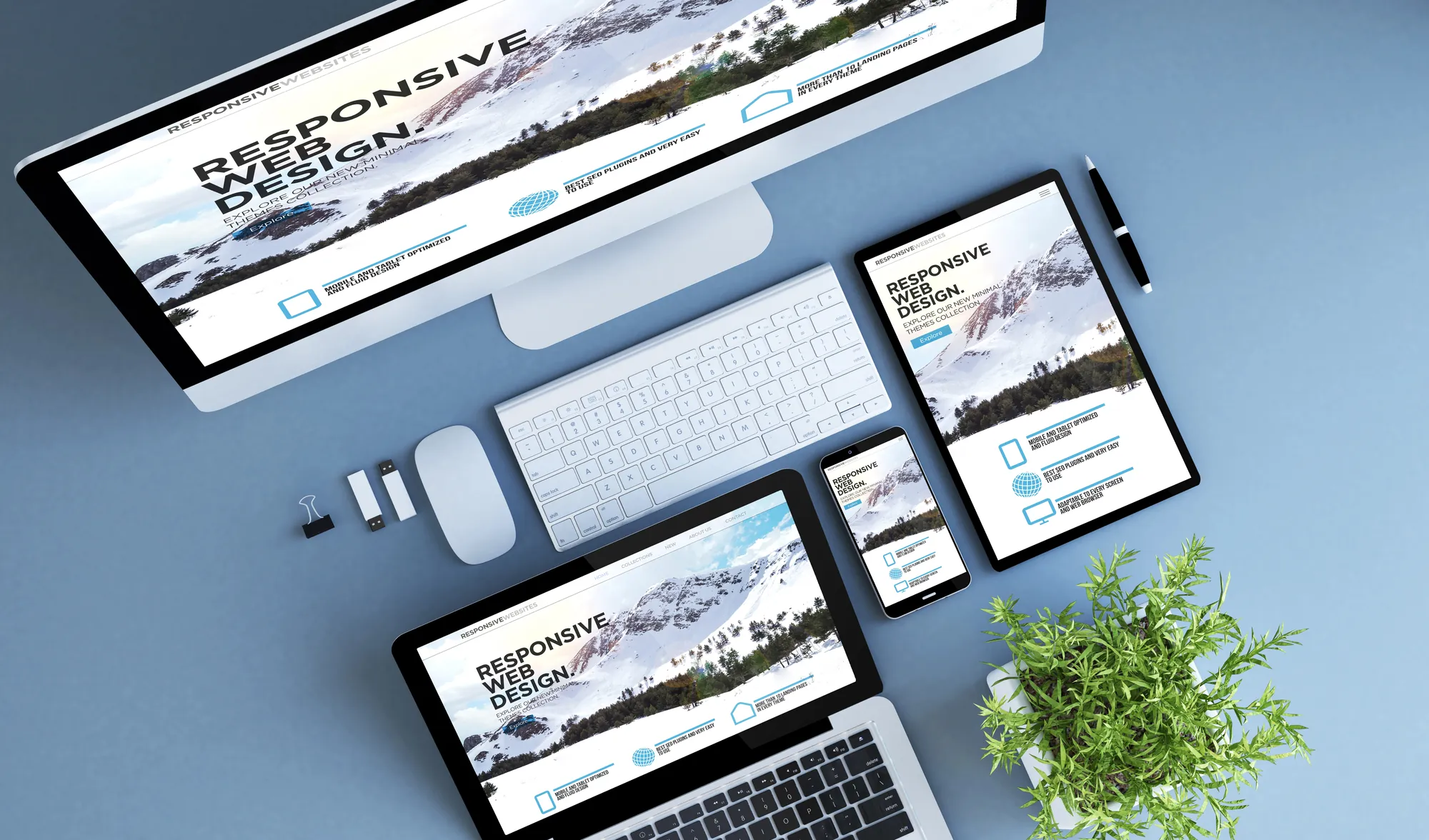
Why Responsive Web Design Still Matters in an AI-Browsing World
AI browsing tools are changing search, but responsive web design still determines whether your site converts. Here's why it matters more than ever.

What Should a Home Service Website Cost in 2026? A Look at Must-Have Features
Wondering what a home service website should cost in 2026? Learn which features actually drive leads and why conversion-focused web design pays off long-term.

What a Decade of Subway Ads Can Teach You About Building an Unmistakable Brand
What a decade of StreetEasy's iconic subway ads can teach your business about consistent branding, custom website design, and building a memorable brand.

Design vs. Data: Balancing Aesthetics with UX According to a Top Web Design Company
A top web design company breaks down the neuromarketing principles behind high-converting sites, showing why user-centric layouts outperform flashy design alone

Make every move a power play.
Stay informed with the latest marketing insights and winning strategies.